

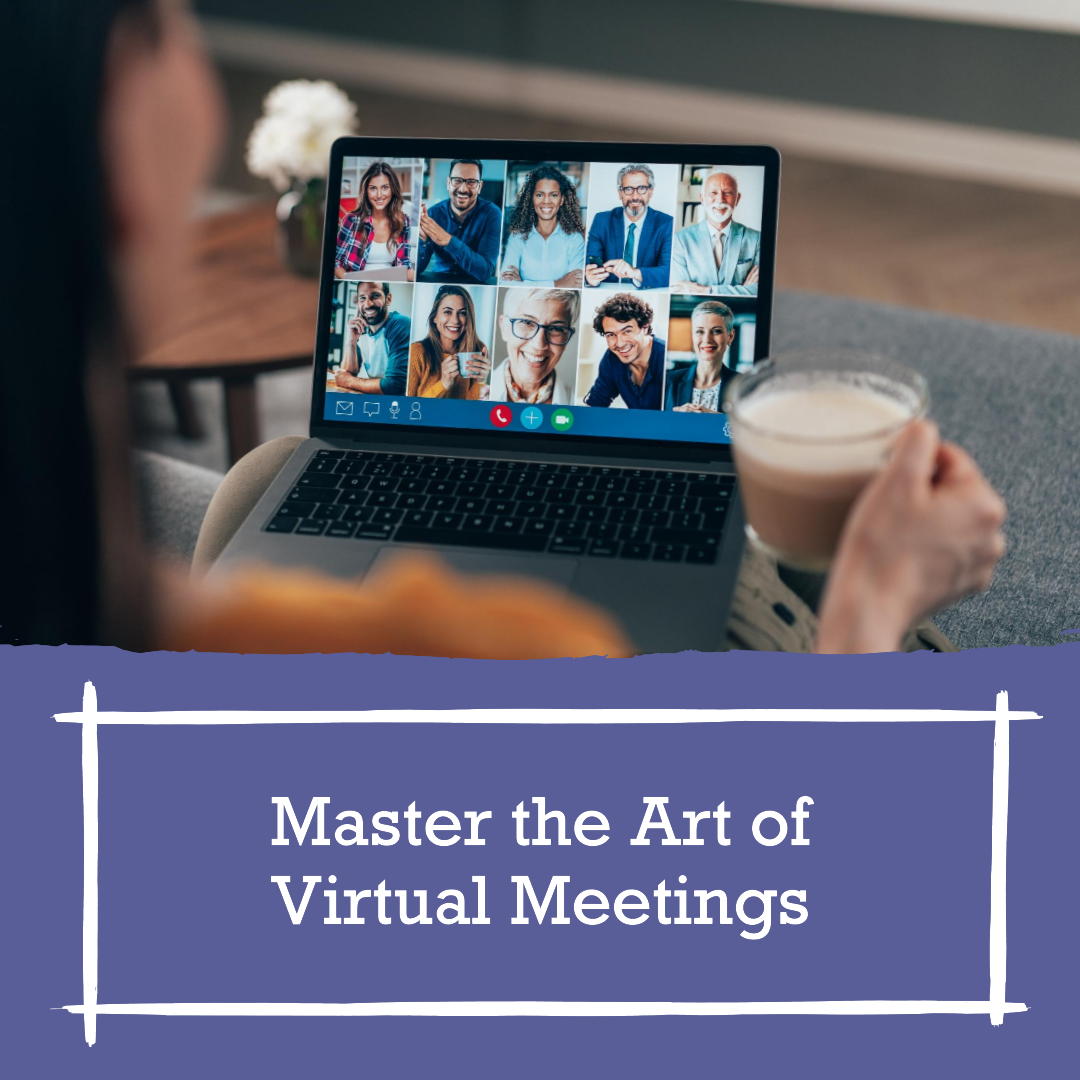

In today’s fast-paced business world, the ability to conduct effective virtual meetings is paramount for successful remote collaboration. With the increasing prevalence of remote work, video conferencing, and online communication, mastering the art of hosting effective virtual meetings has become a key skill for professionals. To ensure productive virtual meetings, it is crucial to employ a combination of communication skills, meeting software, and presentation techniques.
Effective virtual meetings start with meticulous planning. Crafting a well-thought-out virtual meeting agenda is the foundation of success, ensuring that the meeting stays focused and on track. Additionally, mastering virtual presentation techniques is essential to keep participants engaged and convey information clearly. Utilizing engaging online presentations can make a significant difference in holding the participants’ attention.
To optimize the experience of remote team collaboration, it’s important to choose the right video conferencing tools while leveraging the latest video conferencing best practices and digital communication strategies that can enhance remote team engagement and productivity. Remote team leadership strategies are also crucial for guiding a dispersed team towards success.
In this ever-evolving landscape of remote work, we must adapt and continuously improve our virtual meeting management skills. By following these remote work best practices and employing effective remote communication, you can ensure that your virtual meetings are not only productive but also valuable to your team. So, let’s dive into the world of effective virtual meetings and explore the techniques and strategies that will help you excel in the realm of remote collaboration.
Engaging Virtual Meetings for Remote Teams
Virtual meetings have become an integral part of remote collaboration, and it’s crucial to ensure they are as engaging and effective as possible. To create more impactful and interactive virtual meetings, consider implementing the following seven techniques.
Mastering Virtual Presentations
Effective virtual meetings start with engaging presentations. Apply virtual presentation skills to keep your audience’s attention.
Optimizing Video Conferencing Tools
Choosing the right video conferencing tools can significantly impact the quality of your virtual meetings. Evaluate various video conferencing tools, considering factors such as ease of use, features, and reliability. Incorporate productive virtual meeting tips for maximizing tool efficiency.
Creating a Comprehensive Virtual Meeting Agenda
A well-structured virtual meeting agenda is vital for maintaining focus and productivity. Utilize virtual meeting agenda templates to outline topics, objectives, and time allocations. This not only enhances organization but also sets clear expectations for participants.
Enhancing Online Meeting Engagement
To keep participants engaged, establish online meeting etiquette guidelines. Encourage active participation through techniques like asking questions, using polls, and fostering open discussions. Implement effective remote team communication strategies to ensure everyone’s voice is heard.
Webinar Hosting Success Strategies
For more extensive virtual meetings, such as webinars, follow webinar hosting best practices. These include audience interaction, engaging content delivery, using the best quality video wall and managing Q&A sessions effectively. By using digital communication strategies, you can ensure a seamless webinar experience.
Effective Remote Team Communication
Effective communication is the cornerstone of successful virtual meetings. Develop remote team leadership strategies to guide your team’s communication efforts. Emphasize the importance of clarity and empathy, enhancing overall communication skills.
Utilizing Online Collaboration Tools
Leverage online collaboration tools to facilitate remote work and digital collaboration. Incorporate these tools seamlessly into your meetings to enhance team engagement and productivity. By mastering the use of these tools, you’ll ensure your remote team can work efficiently.
Online Collaboration Challenges
In today’s digital age, online collaboration has become a cornerstone of the modern workplace. Virtual meetings, remote collaboration, and video conferencing are the norm, enhancing productivity, reducing geographical barriers, and saving time. However, with these advantages come challenges that can hinder effective virtual meetings. In this section, we’ll explore seven key online collaboration challenges and provide solutions to overcome them.
Technical Glitches and Connectivity Issues
Technical glitches and connectivity problems often plague online collaboration, posing significant challenges to effective virtual meetings. Participants may face issues such as poor internet connections, audio problems, or software glitches that disrupt the flow of the meeting. These disruptions not only waste valuable meeting time but can also lead to misunderstandings and frustration among participants. Addressing these technical challenges by using reliable software and maintaining an IT support channel can help mitigate these issues, ensuring smoother virtual meetings.
Lack of Face-to-Face Interaction
One of the primary challenges of online collaboration is the absence of face-to-face interaction. Virtual meetings lack the in-person dynamics that naturally foster relationship-building and trust. This can hinder effective communication and teamwork, particularly when teams are not familiar with each other. To overcome this challenge, organizations should encourage team-building activities, regular video calls, and informal chats to create a more personal and engaging virtual environment.
Time Zone Differences
Coordinating virtual meetings across different time zones is a logistical puzzle. The challenge lies in finding suitable meeting times that accommodate participants from various regions without causing scheduling conflicts or undue fatigue. To tackle this challenge, it is essential to use scheduling tools that display multiple time zones, establish clear guidelines for meeting times, and consider rotating meeting times to ensure fairness for all participants.
Engagement and Attention Span
Maintaining participants’ engagement and sustaining their attention during virtual meetings can be challenging. The virtual environment is rife with potential distractions from home or office settings, leading to reduced attention spans. To address this issue, it’s crucial to design meetings that are interactive, relevant, and participatory. Encouraging active engagement through polls, discussions, and Q&A sessions can help sustain interest and ensure that the meeting is valuable for all participants.
Security and Data Privacy
Security and data privacy have become pressing concerns in the online collaboration landscape. Ensuring that sensitive information is protected during virtual meetings is paramount. This challenge involves preventing data breaches, safeguarding confidential conversations, and ensuring that only authorized individuals have access to sensitive documents and discussions. Implementing robust security measures, using encrypted communication platforms, and conducting regular security training can help mitigate these risks.
Content Sharing and Collaboration
Collaborating on documents, projects, or presentations during virtual meetings can be less efficient than in physical meetings. The challenge is to ensure that participants can seamlessly share, edit, and collaborate on content without encountering technological roadblocks. Leveraging collaborative tools and ensuring participants are proficient in using them can improve the efficiency of content sharing during virtual meetings.
Meeting Fatigue
The constant stream of back-to-back virtual meetings can lead to meeting fatigue. Participants may become drained, with their productivity declining as they navigate numerous online discussions. To mitigate this challenge, it is crucial to schedule breaks between meetings, keep meetings concise and focused, and provide an environment that supports well-being and work-life balance. Reducing the frequency of meetings and using alternative forms of communication can also help combat meeting fatigue and promote more effective virtual meetings.
Remote Work Communication Best Practices
In the realm of business and collaboration, meetings play a crucial role in fostering communication, decision-making, and progress. However, the effectiveness of these meetings depends not only on their purpose but also on the etiquette followed by participants. Whether in-person or virtual, adhering to specific meeting etiquette is essential for maintaining a productive and respectful atmosphere. In this section, we will outline key etiquettes to follow during meetings to ensure that discussions are efficient, respectful, and result-oriented.
Active Listening
Active listening is a fundamental etiquette for effective meetings. When someone is speaking, it’s essential to give them your full attention. Avoid interrupting, and show that you’re engaged by nodding or making appropriate verbal cues. This not only demonstrates respect for the speaker but also promotes a more productive exchange of ideas.
Punctuality
Being on time for meetings is a sign of professionalism and respect for others’ schedules. Arriving late can disrupt the flow of the meeting and cause frustration among participants. If you anticipate being late, inform the organizer in advance.
Preparedness
Come to the meeting prepared with any materials or information you need to contribute effectively. Review the agenda and any relevant documents in advance to ensure you’re ready to engage in meaningful discussions.
Stay on Topic
Stick to the meeting’s agenda and objectives. Going off on tangents or discussing unrelated issues can waste time and lead to unproductive meetings. If new topics arise, consider scheduling a separate meeting to address them.
Participation
Engage actively in the meeting by offering your insights, asking questions, and contributing to the discussion. However, be mindful not to dominate the conversation, allowing others the opportunity to speak.
Respect Speaking Order
Follow the meeting’s speaking order and wait for your turn to contribute. Interrupting others can disrupt the flow and hinder productive communication.
Use of Technology
If using technology during the meeting, ensure that you’re proficient with the tools. Familiarize yourself with video conferencing or presentation software to avoid technical disruptions. Additionally, mute your microphone when not speaking to prevent background noise.
Time Management
Respect the allocated time for the meeting. Avoid overextending discussions beyond the scheduled duration. If more time is needed, consider scheduling a follow-up meeting to continue the conversation.
Constructive Feedback
When offering feedback or criticism, do so in a constructive and respectful manner. Focus on the issue at hand, not personal attacks, and suggest solutions or improvements where possible.
Follow Up
After the meeting, follow up with any action items or commitments you’ve made. This ensures that the outcomes of the meeting are implemented, and progress is tracked effectively.
Webinar Hosting Success Strategies
Welcome to the world of successful webinar hosting, where the art of engaging virtual audiences comes to life. In the digital age, webinars have become a vital medium for disseminating knowledge, fostering collaboration, and connecting with remote audiences. This section is your key to mastering the essential strategies for hosting webinars that not only captivate your audience but also provide immediate value. From selecting the right platform to crafting compelling content, we delve into the core tactics that will ensure your webinars are a resounding success. Let’s dive straight into the strategies that will elevate your webinar hosting skills to new heights.
Choose the Right Webinar Hosting Platform
Selecting the appropriate webinar hosting platform is the first step. Opt for a platform that aligns with your webinar’s objectives and audience. Popular choices like Zoom, GoToWebinar, and Webex offer robust features and user-friendly interfaces.
Craft a Compelling Webinar Title and Description
Your webinar’s title and description play a crucial role in attracting participants. Create a compelling title that clearly conveys the value of your webinar. In the description, highlight the key takeaways and benefits attendees can expect.
Prepare Engaging Content
Create content that is informative, engaging, and relevant to your target audience. Use visual aids, such as slides and videos, to enhance your presentation. Incorporate case studies, real-life examples, and actionable tips to provide value immediately.
Interactive Elements and Audience Engagement
Keep participants engaged throughout the webinar by incorporating interactive elements. Use features like polls, Q&A sessions, and chat functions to encourage active participation and address audience questions.
Rehearse and Test Your Setup
Before going live, rehearse your webinar and test your setup. Ensure that your equipment, such as a microphone and camera, is functioning correctly. Familiarize yourself with the webinar platform’s controls and features to avoid technical hiccups during the event.
Provide Resources and Follow-Up
Offer additional resources, such as handouts or links to further reading, to enhance the value of your webinar. After the event, follow up with participants by providing access to the webinar recording, a summary, or additional materials.
Gather Participant Feedback
Collect feedback from participants to improve future webinars. Use surveys or post-event evaluations to understand what worked well and where there is room for improvement. Incorporate this feedback into your webinar hosting strategies.
Conclusion
The cornerstone of effective virtual meetings lies in choosing the right meeting software and video conferencing tools. As remote teamwork strategies evolve, understanding the intricacies of these platforms is vital. It’s not just about hosting webinars or digital collaboration; it’s about mastering virtual presentation skills and virtual meeting facilitation to ensure that every interaction is a valuable and engaging one.
To ensure you’re prepared for effective virtual meetings, begin by crafting a well-thought-out virtual meeting agenda. Incorporate online meeting etiquette and productive virtual meeting tips to enhance remote work communication. By implementing webinar hosting success strategies and digital communication for remote work, you can create engaging virtual meetings for remote teams, optimizing video call effectiveness and remote team leadership, and ultimately achieving your goals of effective virtual meetings.
In conclusion, effective virtual meetings are not just a trend; they’re a necessity for the modern workforce. They allow us to bridge the physical gaps and continue remote work with the same level of productivity and engagement. By focusing on virtual meeting management and understanding the intricacies of video conferencing best practices, organizations can unlock the true potential of remote collaboration and reap the benefits of effective virtual meetings.
FAQs
How can I make virtual meetings more effective?
To make virtual meetings more effective, consider these tips:
- Prepare an agenda and share it in advance.
- Choose the right video conferencing tools.
- Set clear objectives and stay on topic.
- Assign roles like a facilitator and timekeeper.
- Encourage active participation and discussion.
- Limit meeting duration and schedule breaks.
- Use visuals and screen sharing for engagement.
- Mute when not speaking to reduce background noise.
- Follow up with meeting notes and action items.
- Continuously gather feedback to improve future meetings.
What are the best practices for remote collaboration?
Effective remote collaboration involves:
- Clear communication through emails, chats, and video calls.
- Setting expectations and deadlines.
- Using collaboration tools like project management software.
- Regular check-ins and status updates.
- Encouraging team bonding through virtual social events.
- Respect for time zones and flexible schedules.
- Documenting processes and sharing knowledge.
- Promoting trust and accountability within the team.
- Balancing independence with teamwork.
Which video conferencing tools are recommended?
Popular video conferencing tools include Zoom, Microsoft Teams, and Cisco Webex. Each has its own strengths, so choose based on your specific needs. Zoom is known for its user-friendliness and features, Microsoft Teams integrates well with Microsoft products, and Cisco Webex offers strong security features.
How can I engage participants in online meetings?
To engage participants in online meetings:
- Start with a clear agenda.
- Use interactive features like polls and chat.
- Encourage participation through questions.
- Assign specific tasks or roles.
- Keep meetings concise and on-topic.
- Use visuals and multimedia for variety.
- Create a safe, open environment for sharing ideas.
- Follow up with action items and next steps.
What strategies improve remote team communication?
Effective remote team communication involves:
- Using collaboration and messaging tools.
- Setting regular check-ins and updates.
- Clear and concise written communication.
- Respect for different time zones and schedules.
- Video calls for face-to-face interaction.
- Documenting processes and sharing knowledge.
- Encouraging open and transparent communication.
What should be included in a virtual meeting agenda?
A virtual meeting agenda should include:
- Meeting date, time, and duration.
- List of participants and their roles.
- Clear meeting objectives.
- Topics to be discussed with time allocations.
- Relevant documents or materials to review.
- Action items and responsibilities.
- Any additional instructions or guidelines.
How to excel in digital communication for remote work?
To excel in digital communication for remote work:
- Be clear and concise in your messages.
- Use appropriate communication tools.
- Respect colleagues’ time and time zones.
- Maintain a professional tone.
- Respond promptly to messages.
- Practice active listening in virtual meetings.
- Use video calls for important discussions.
- Document important information.
What are the best practices for hosting webinars?
Hosting successful webinars involves:
- Choose the right platform (e.g., Zoom, Webex).
- Promote the webinar effectively.
- Create engaging and informative content.
- Practice the presentation.
- Interact with the audience through Q&A.
- Follow up with resources and a recording.
- Analyze feedback for improvement.
What techniques enhance virtual presentations?
To enhance virtual presentations:
- Prepare thoroughly and practice.
- Use clear visuals and slides.
- Engage the audience with questions.
- Maintain eye contact with the camera.
- Speak clearly and at a moderate pace.
- Minimize distractions in your environment.
- Be passionate and enthusiastic.
How to lead remote teams effectively?
Effective remote team leadership involves:
- Setting clear expectations and goals.
- Regular communication and check-ins.
- Trusting and empowering team members.
- Providing necessary resources and support.
- Recognizing and celebrating achievements.
- Addressing conflicts promptly and constructively.
- Encouraging professional development.
Are there comparisons of virtual meeting software?
Yes, there are many online resources that compare virtual meeting software, such as G2, Capterra, and TechCrunch. They provide reviews, ratings, and feature comparisons to help you choose the best tool for your needs.
What are the etiquette guidelines for video calls?
Video call etiquette includes:
- Dress appropriately.
- Test your equipment before the call.
- Mute your microphone when not speaking.
- Avoid multitasking or distractions.
- Maintain eye contact with the camera.
- Use professional backgrounds or virtual backgrounds if needed.
- Be on time and respectful of others’ time.
How can online collaboration be improved?
Online collaboration can be improved by:
- Using collaboration tools (e.g., Slack, Trello).
- Setting clear expectations and goals.
- Regularly communicating and sharing updates.
- Encouraging open discussions and feedback.
- Building team relationships through virtual social activities.
- Documenting processes and best practices.
What tips boost remote team productivity?
To boost remote team productivity:
- Set clear goals and priorities.
- Provide the necessary tools and resources.
- Encourage time management and accountability.
- Respect work-life balance and flexible schedules.
- Celebrate achievements and milestones.
- Promote a supportive team culture.
What methods are effective for virtual meeting facilitation?
Effective virtual meeting facilitation involves:
- Setting a clear agenda and objectives.
- Managing time and keeping discussions on track.
- Encouraging participation and inclusivity.
- Using interactive features (e.g., polls, breakout rooms).
- Summarizing key points and action items.
- Following up with meeting notes and next steps.


 Cables
 Cable Sleeves
 Content Cameras
 AV Cabinets
 AV Connectivity
 Multimedia Carts & Stands
 Shelf Brackets
 AV Equipment Shelves
 CPU Holders
 Holders
 Laptop Stands
 Monitor Mounts & Stands
 Monitor Mount Accessories
 Mounting Kits
 Projector Mounts
 Projector Mount Accessories
 Speaker Mounts
 Tablet Security Enclosures
 TV Mount Accessories
 BYOD All-In-One-Bars
 BYOD Cameras
 BYOD Conference Kits
 Collaboration Displays
 Interactive Displays
 Non-Interactive Displays
 Signage Displays
 Signage Display Mounts
 Signage Display Mount Accessories
 Huddle Space
 Small Room
 Medium Room
 Large Room
 Boardroom
 Teams Huddle Room
 Teams Small Room
 Teams Medium Room
 Teams Large Room
 Teams Scheduling Display
 Teams Accessories
 Acer Projectors
 Benq Projectors
 Epson Projectors
 NEC Projectors
 Optoma Projectors
 Panasonic Projectors
 Sony Projectors
 Viewsonic Projectors
 Vivitek Projectors
 Video phones
 Voice Gateways
 White IP Phones
 WiFi Handsets
 Airtame Wireless Presentation
 Barco Clickshare
 BenQ Instashow
 Poly Pano
 Conference Kits
 Headsets
 Webcams
 Zoom Huddle Room
 Zoom Small Room
 Zoom Medium Room
 Zoom Large Room